
A LITTLE SOFTWARE. A BIG DIFFERENCE.
Make the work
flow.
Every software project begins with research into the people using it and the job they need to complete. We build bespoke workflows from scratch, create original interface content and test the handovers before release. Start with the request, booking or approval your team repeatedly has to untangle.

Change the perspective. Connect the work.
A dimensional paper model shows how separate parts can form a system: a shared foundation, connected layers and a useful way in.
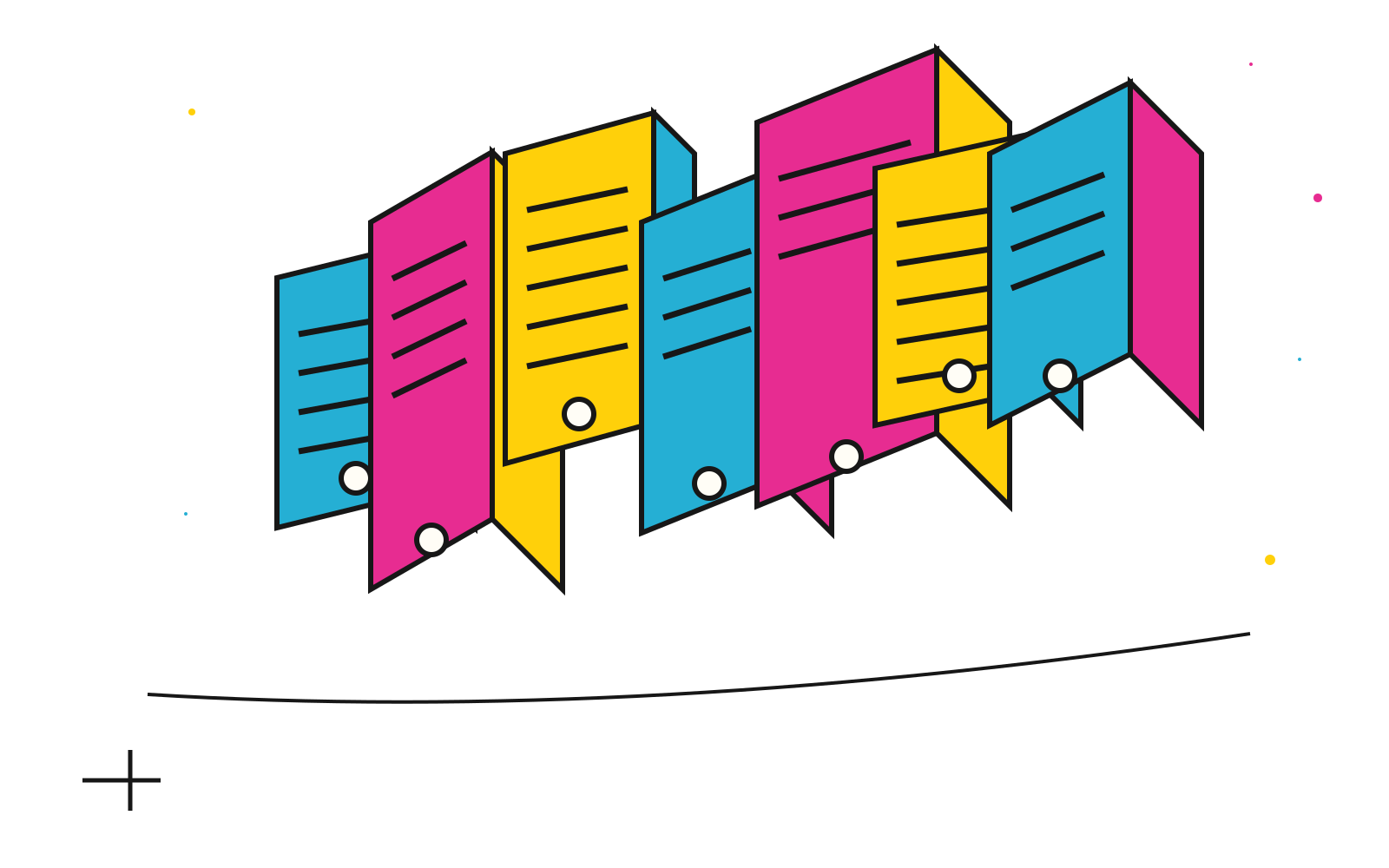
SMALL ENOUGH TO UNDERSTAND
One task.
A whole chain
of possibilities.
Trace a task from its trigger to its finish. Find where someone retypes a detail, asks for missing information or has to decide which version can be used. Those points give the software a specific job.
A clearer form might resolve the problem; a shared system might also need permissions, records and a connection to another service. The proposal explains the choices against the workflow rather than choosing a platform first.
THE CONNECTION / ILLUSTRATIVE WORKFLOW
The customer explains the task.
Ask for the details needed for the next decision.
The right information arrives.
Make missing details and responsibilities visible.
The team can move it forward.
Prepare, review, approve or assign an agreed next step.
JOBS WORTH EXPLORING
Software with
something useful
to do.
Collect it once.
A service request becomes a structured brief, with the fields and routing your business needs.
REQUEST ARRANGEMENTOrganise the booking.
Capture a group, date preference or delivery requirement. Live availability, confirmations and cancellations are scoped separately.
PROOF APPROVALKnow which version is right.
A named approver, an identifiable version and a clear decision before information gets reused.
TASK WORKSPACEMake the next action visible.
Permissions, status, change requests and integrations can support a focused client or team workspace.
THE DETAIL THAT MAKES A TOOL DEPENDABLE
Define what success means.
A named task, an owner, expected inputs, exceptions and acceptance criteria. A working prototype helps us check the process before expanding it.
Agree the boundaries.
Data collection, roles, permissions, retention and access are planned for the actual job. External systems, API access and provider charges are recorded in the scope.
Test the awkward cases.
Missing information, duplicate requests, failed connections and cancelled actions need a response. Relevant checks should cover the workflow rather than only its happy path.
Plan for the day after launch.
Hosting, monitoring, backup, documentation, ownership and maintenance have named responsibilities. A live business tool needs a sustainable operating plan.
AI-ASSISTED WORK / WHERE IT HAS A DEFINED JOB
A useful assistant.
A responsible
decision.
An assisted workflow may help prepare a draft, organise information or suggest a classification. We start with a bounded task and the person responsible for reviewing the output.
Know what may be used.
Data access, provider terms, permissions and any external cost need approval before a workflow handles real information.
Keep judgement in the process.
Outputs can be incomplete or wrong. Review, source checks and a route to correct the result belong in the design.
Prove the fit before expanding it.
Compare the assisted process with the actual task and its exceptions. No autonomous operation, provider integration or promised saving is implied by this description.
See how this demonstration handles informationTHE NEXT REPEAT TASK IS A USEFUL PLACE TO BEGIN
Show us the job
you would rather
stop retyping.
Describe what starts the task, who touches it and what a good outcome looks like. We can explore a proportionate solution.
A what-if
you can play with.
Build a little working process. Put the pieces together, send a sample job through it and discover where a human decision changes the outcome.
Enter the Possibility MachineA hands-on browser experiment. Your chosen route becomes something you can keep.
 YOUR
YOURBIG
WHAT IF?BUILD IT.
RUN IT.
KEEP IT.